



Make the words right.
Review the captions and correct product names, terminology or anything the transcript missed.
Make your explanation easier to follow with captions you can edit, time and style to suit the video, then export as a caption file.
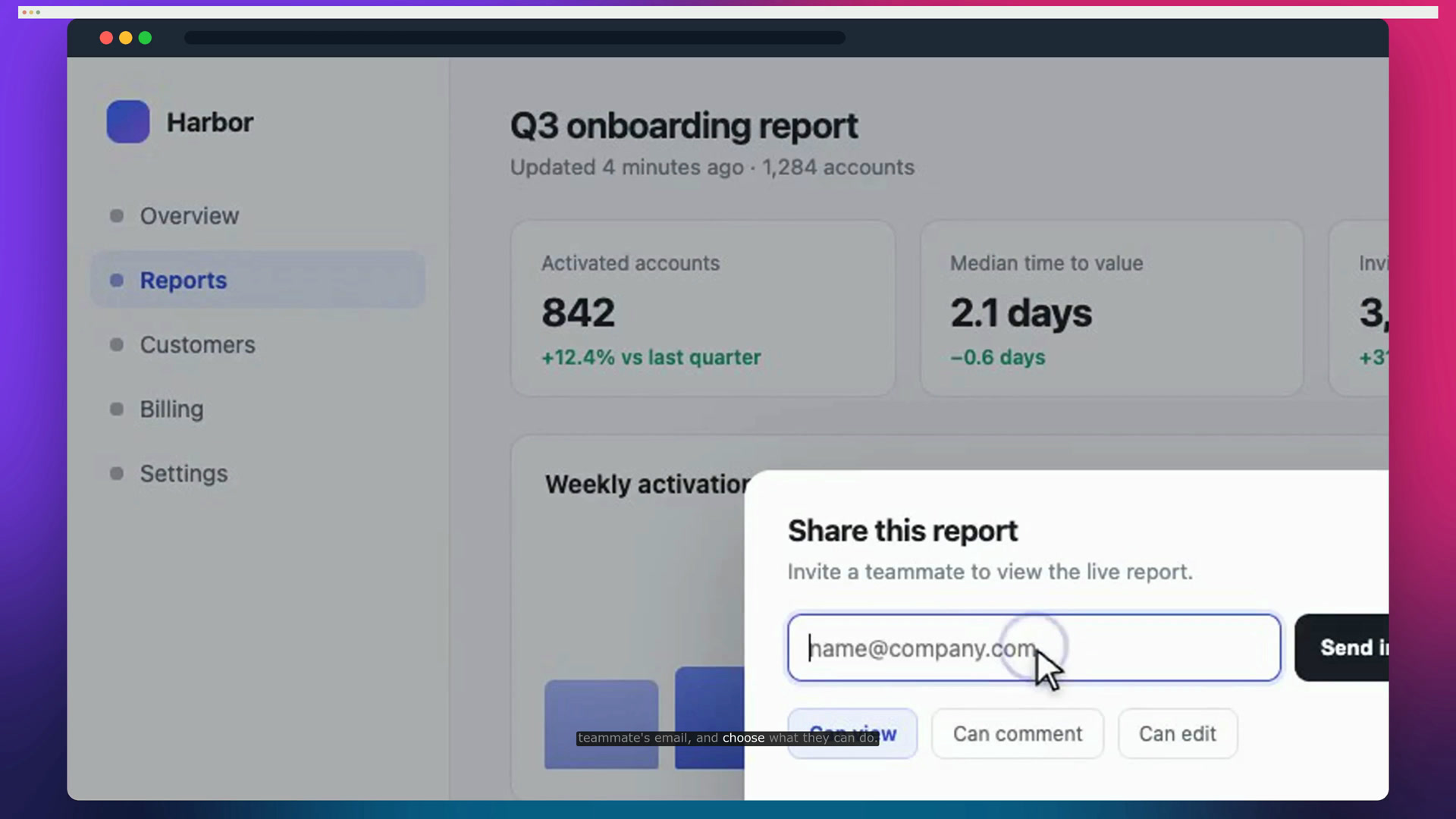
Review the captions and correct product names, terminology or anything the transcript missed.
Adjust when a caption appears and how long it stays, so each line is easy to read.
Pick a caption style, position and highlight colour. Export a caption file when you need one.
Bring your recording into Breezier and open the caption tools.
Edit the words and timing alongside the video preview.
Choose the caption treatment, check readability, and export the finished result.
Yes. Edit the caption text and adjust its timing in the editor before exporting.
Yes. The editor includes a caption download action, as well as caption styling options for the video itself.
Free to start. No video team required.