


New-hire walkthroughs.
Show how the tools and workflows fit together. Add a personal introduction with camera recording.
Turn everyday expertise into training videos. Give the next person a clear way to learn the process, at their own pace, with the people who know it reviewing before it ships.
Show how the tools and workflows fit together. Add a personal introduction with camera recording.
Break a task into scenes and clarify the steps with captions and visual emphasis.
Turn a training deck into a narrated video so the explanation stays with the material.
Record someone walking through the task or start with an existing training deck.
Refine the script, set the pace, and add visual cues around the important details.
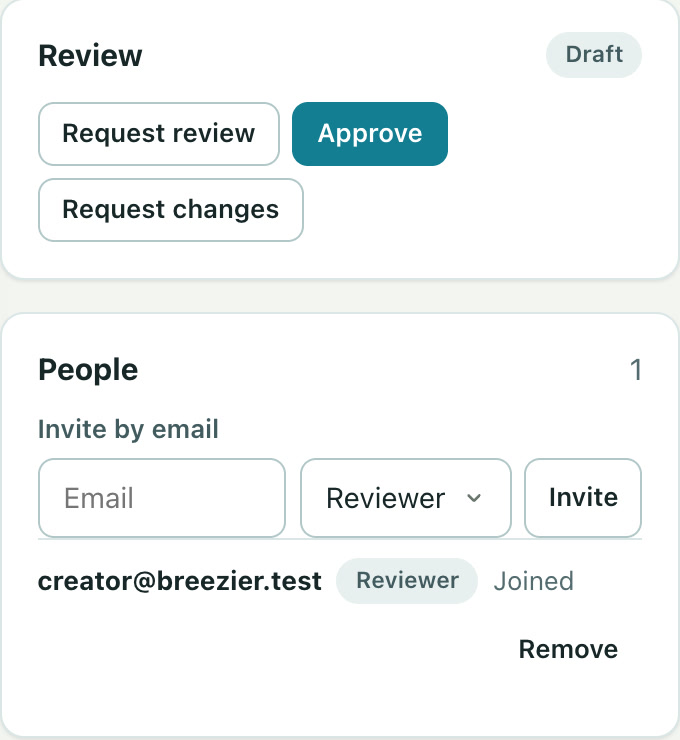
Have a reviewer approve it, then share a link, add it to a collection, or export for your LMS.
Yes. Invite collaborators to the project and choose a role for each person. Reviewers can comment at a timestamp and approve.
Yes. Start with the Slides tab, then review the scenes and add narration before exporting.
Free to start. No video team required.