Follow the action.
Automatic zooms track the clicks in your recording. Adjust the focus or add a zoom of your own.
Guide viewers to the part that matters. Zooms follow your clicks; spotlights, callouts and arrows make the next step easy to see.
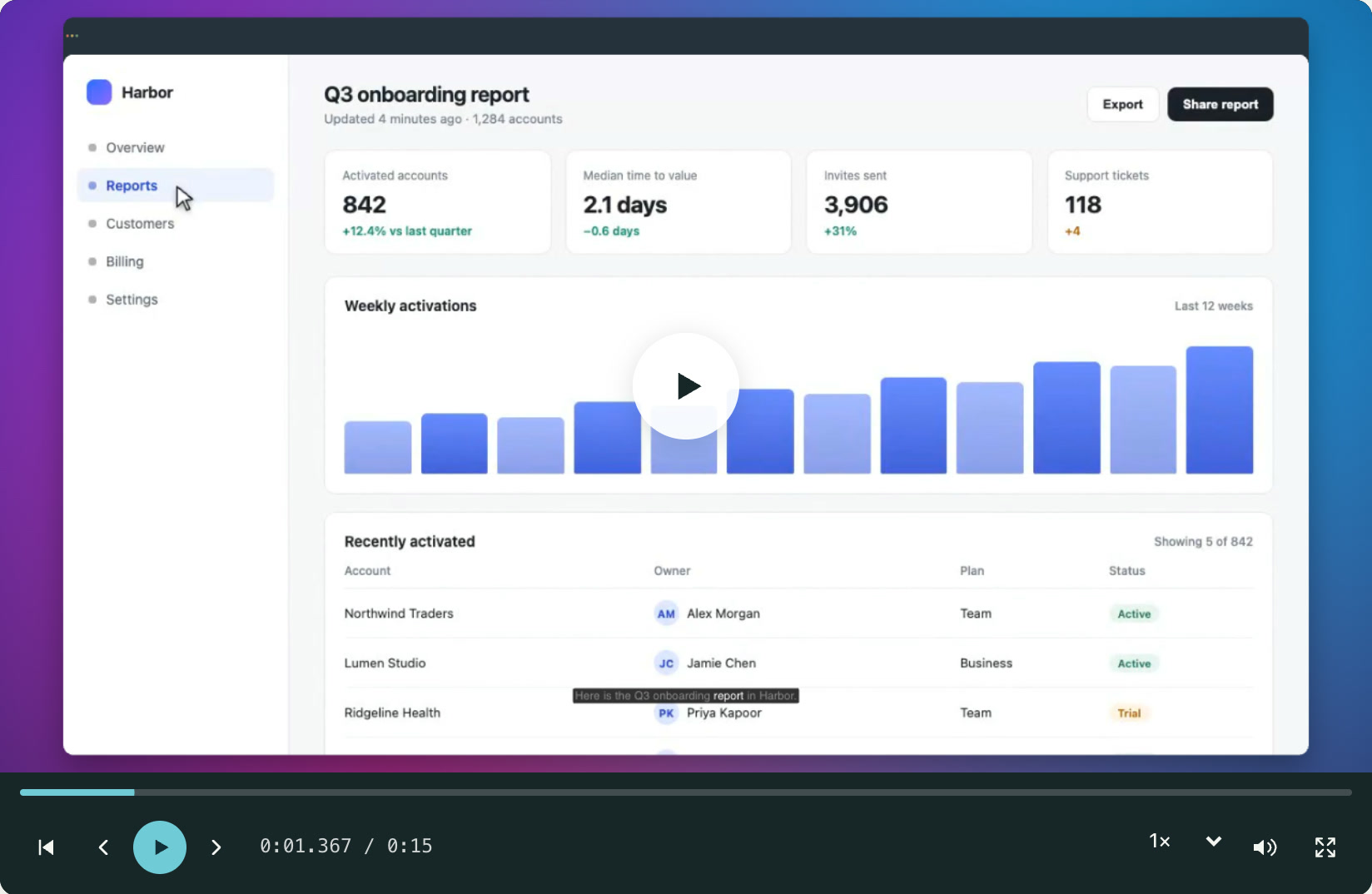
Automatic zooms track the clicks in your recording. Adjust the focus or add a zoom of your own.
Use arrows, callouts and spotlights to support an explanation without adding another sentence.
Blur or redact parts of the screen that do not belong in the finished walkthrough.
Choose the part of the recording where viewers need a closer look.
Add or adjust a zoom, spotlight or annotation around that detail.
Preview the scene in context and tune the timing so the effect supports the story.
Yes. Automatic zooms appear as a layer on the scene. Move it, change its strength, or turn automatic zooms off for the video.
Breezier includes blur and redaction layers. Review the complete exported video to make sure the information you intended to hide is covered throughout.
Free to start. No video team required.