


Share a watch link.
Publish a viewing page for anyone with the link, behind a password, or until an expiry date. Add an end-screen button.
Publish a watch page with the access you choose, embed it, or download an MP4 up to 4K. Invite reviewers to comment at a timestamp and approve the video before it goes out.
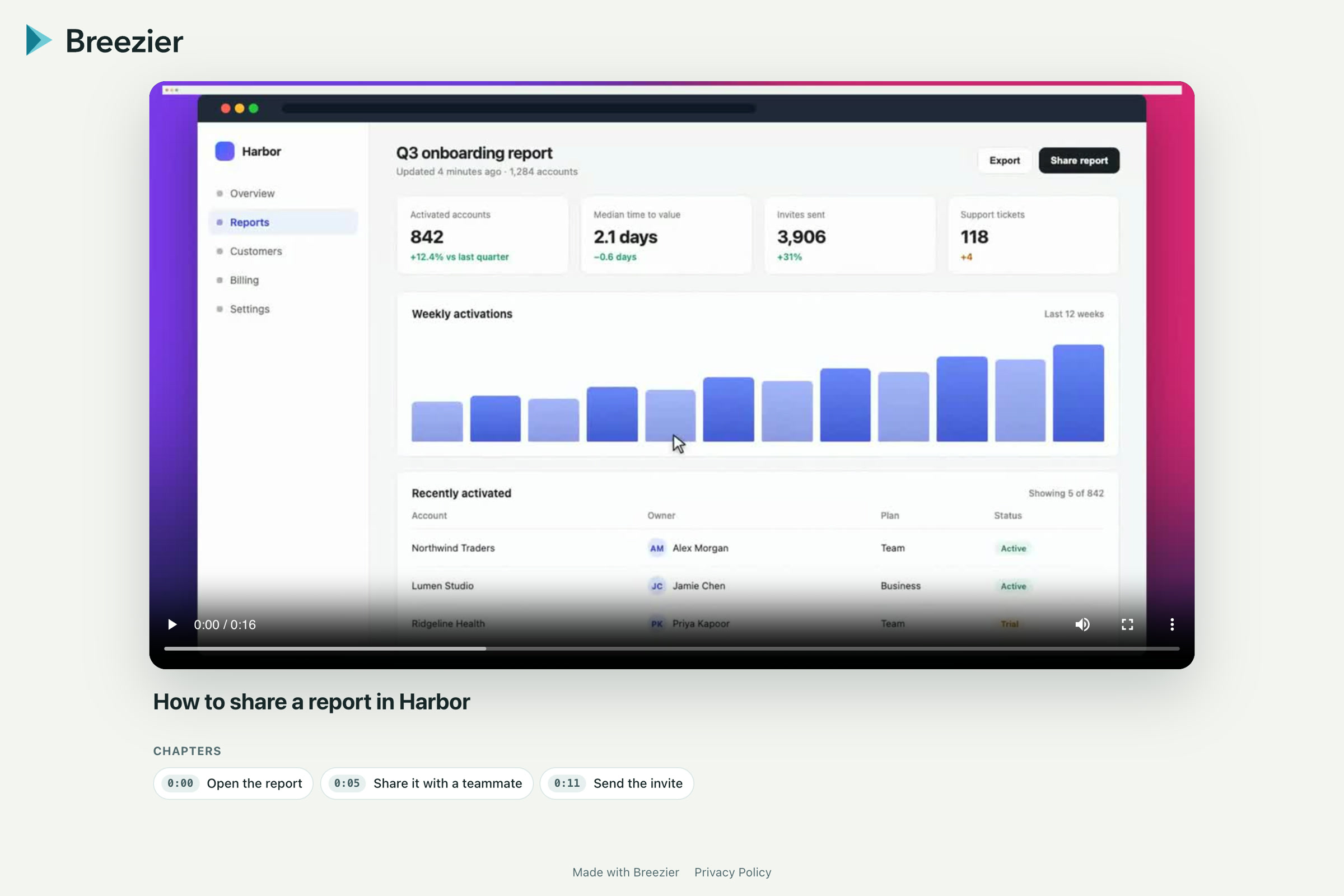
Publish a viewing page for anyone with the link, behind a password, or until an expiry date. Add an end-screen button.
Export an MP4 up to 4K, with or without a caption file, for the places your team already publishes video.
Invite editors and reviewers. Comments land on a timestamp; approval can be required before sharing.
Check the script, sound, captions and final frame before rendering.
Export the video or publish it with your chosen viewing access.
Share the watch link, embed the player, or upload your exported file to its destination.
No. A published watch link opens a playback page. Their access depends on the sharing settings you choose.
Yes. Invite collaborators and assign a project role. Editing access and viewing access are separate settings.
Free to start. No video team required.