


Find the right delivery.
Choose from the available AI voices and preview a sample before generating your narration.
Create natural narration for demos, tutorials and training. Choose a voice, edit your script, and generate a new take without touching a microphone.
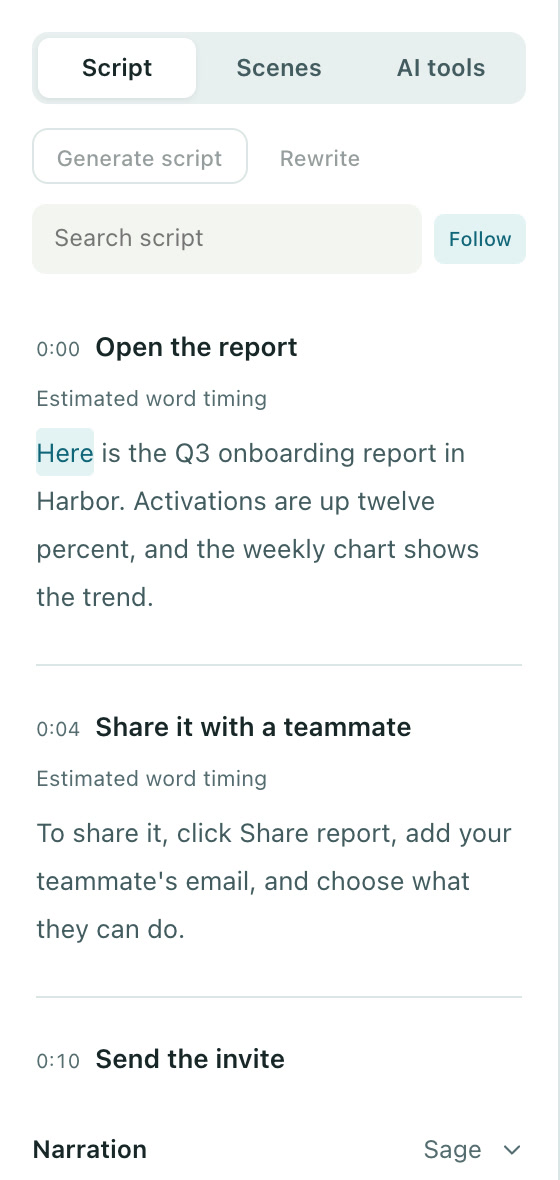
Choose from the available AI voices and preview a sample before generating your narration.
Make a correction in the script and regenerate the affected narration. Keep working in the same project.
Keep narration alongside your scenes, captions and visuals. Review the full story in the editor before you publish.
Write or refine the narration for each scene.
Preview the available voices and pick the delivery that fits.
Generate narration, review pronunciation and pacing, and adjust the script as needed.
Yes. Breezier includes voice previews so you can choose a voice before generating the scene narration. Provider usage may apply.
AI narration is available with Studio prepaid usage or Studio Connect using your own supported provider keys. AI usage is separate from the subscription price.
Free to start. No video team required.