



Start from work you have done.
Upload your presentation as the source for a video instead of rebuilding every visual from scratch.
Turn a presentation into a narrated video people can watch on their own time. Add the explanation that makes each slide make sense.
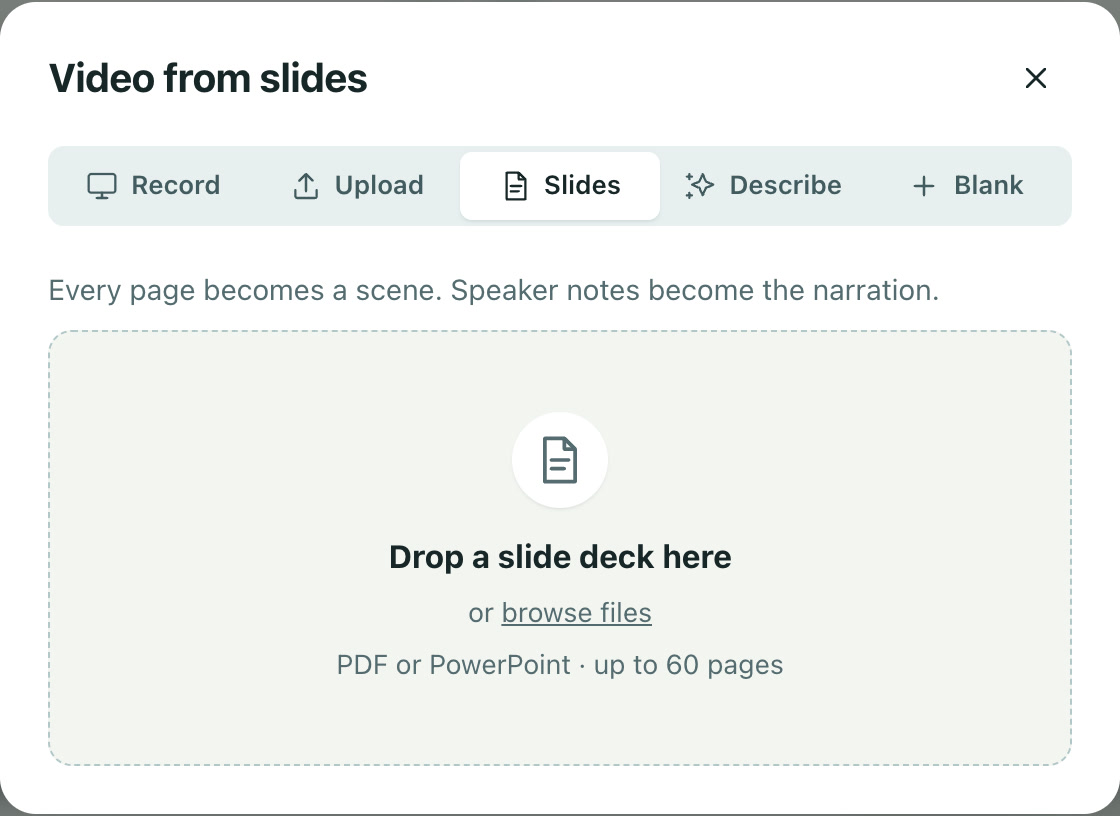
Upload your presentation as the source for a video instead of rebuilding every visual from scratch.
Write narration for the scenes and generate a voice track that connects the key points.
Review the scene sequence and timing. Give complex ideas the space they need.
Upload your presentation using the Slides tab in New video.
Review the scenes, write the script, and choose narration.
Adjust the pacing and styling, then export or publish the video.
Yes. Work on the scene scripts and generate new narration from the revised wording.
You can import an updated deck into a new project and reuse your approach to narration and styling. Breezier does not sync changes from the source presentation.
Free to start. No video team required.