



Brief it like a colleague.
Give the topic, the audience and the length. Choose a tone and the channel the video is made for.
Have nothing recorded yet? Describe the video, who it is for and the points to cover. Breezier writes the script, lays out the scenes and narrates a first version you can edit.
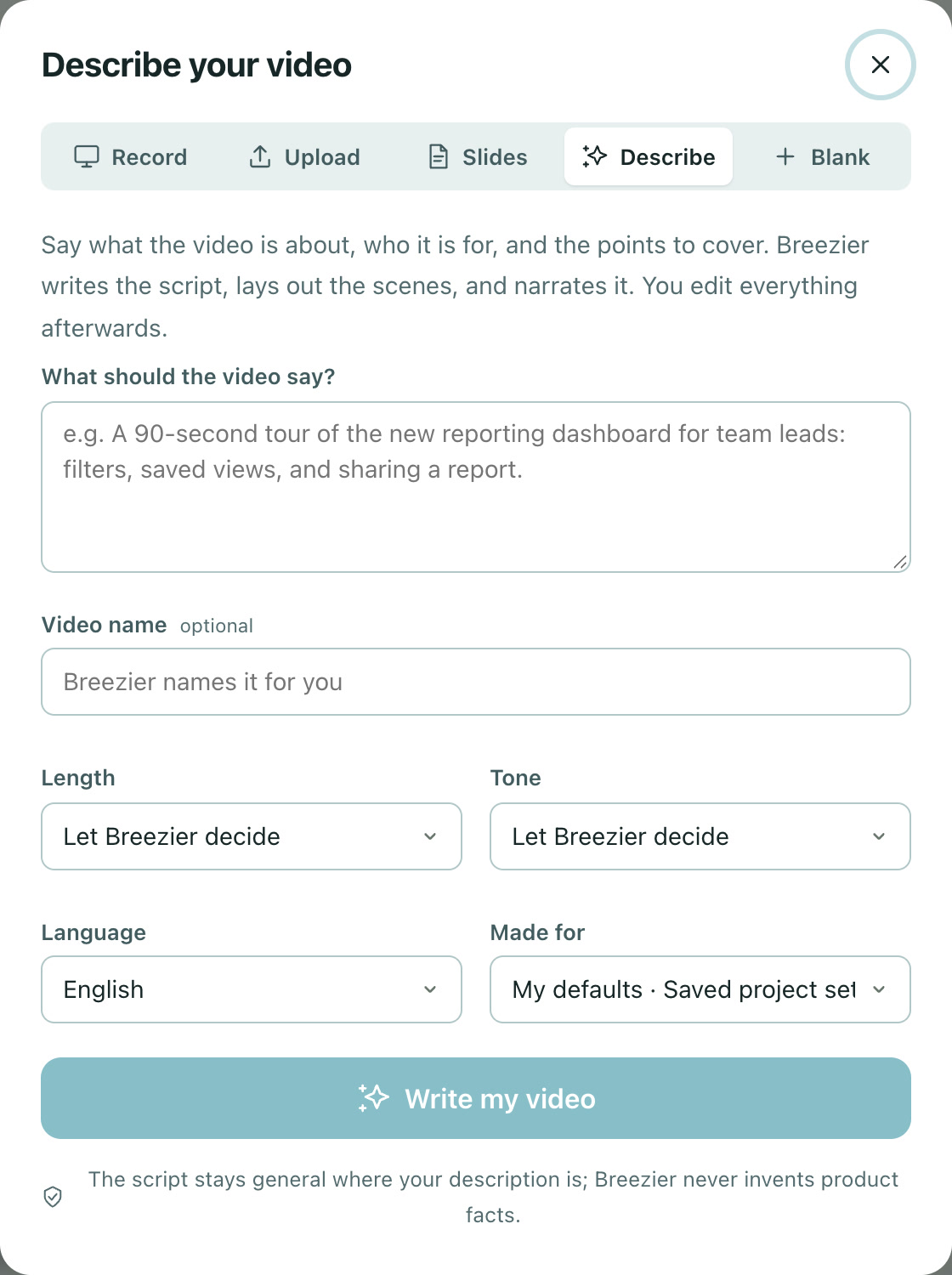
Give the topic, the audience and the length. Choose a tone and the channel the video is made for.
Every scene arrives with a title, a script and narration. Nothing is locked; change the words or the order.
The script stays general where your description is. Breezier never invents product facts, numbers or claims.
Open New video, choose Describe, and write a short brief.
Read the scenes and the script. Record or upload footage for the parts that need the real product.
Adjust narration, add captions and branding, then export or publish.
No. A described video starts with title cards and narration. Add screen recordings or uploads for the scenes that need real footage.
Describe to video uses AI writing and narration, which count against your plan's monthly AI allowance. Studio adds pay-as-you-go usage.
Free to start. No video team required.